Incorporating Jittered Super-sampling
|
|
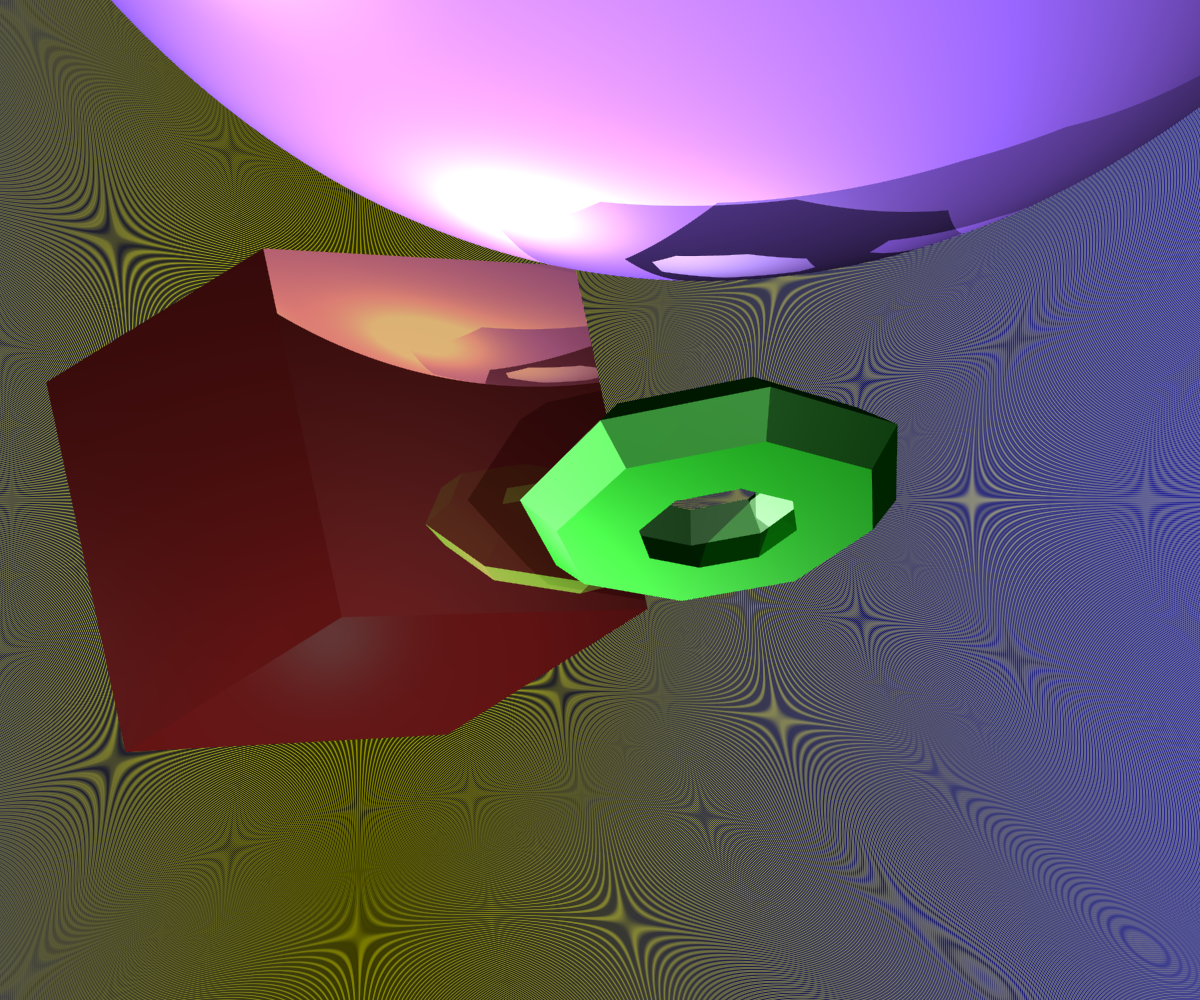
|
scene rendered with super-sampling yet no jittering
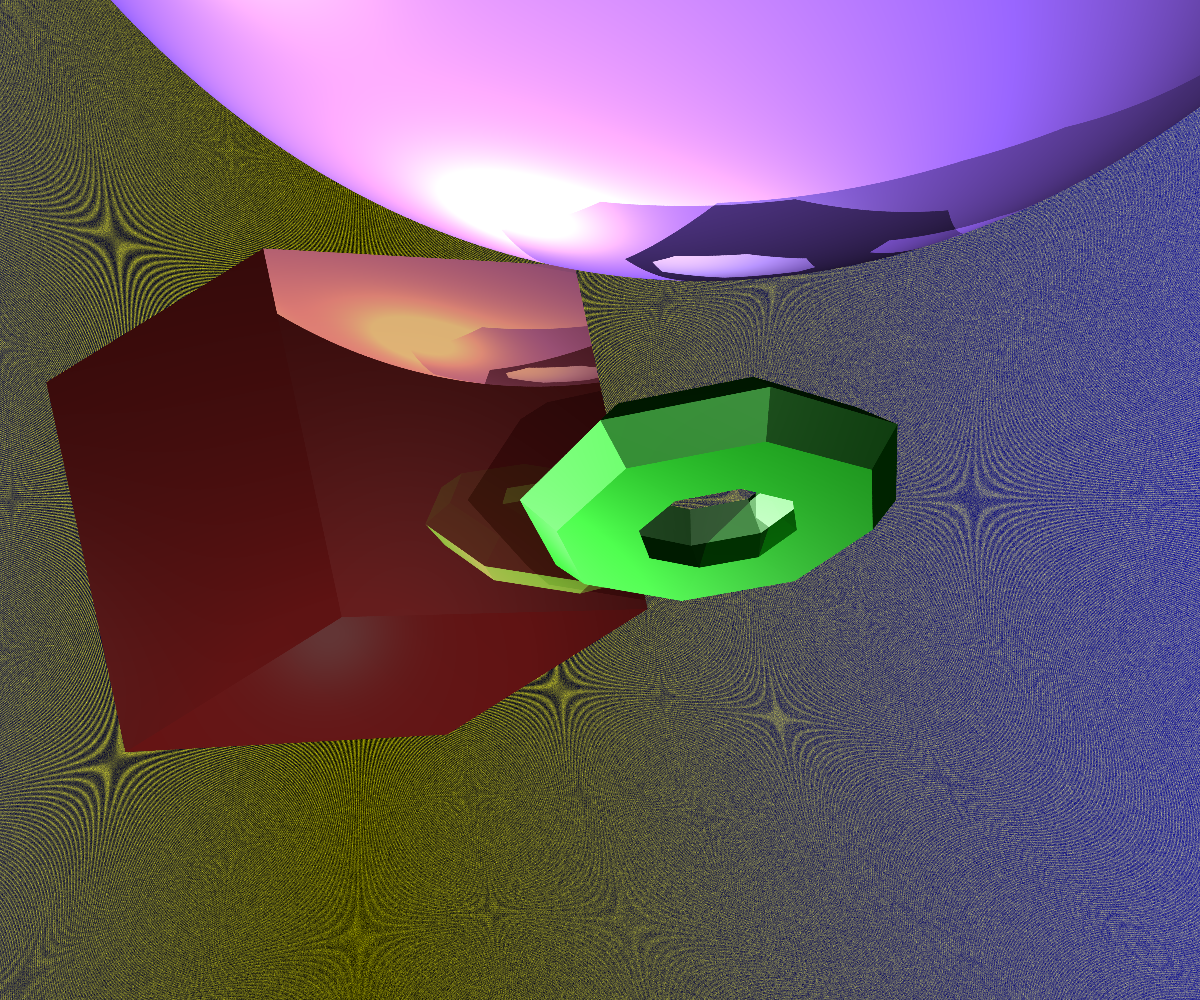
|
scene rendered with super-sampling and jittering
|
xml file used to create images
We see in the above pictures that there is less aliasing due to the jittering effect. While
this is not immediately apparent on the geometries in the foreground, due to the high-frequency
of the background we can see the difference between the two techniques. Essentially
by including jittering we are introducing noise into the system, yet our eyes are accustomed
to dealing with noise, and as such it looks natural - particularly for details that are
far away.
The image shown at right above has a high amount of jittering. The image background is
quite blurred because of this. There is a tag to vary the amount of jittering per ray,
specifiable within the xml file.
To include jittering, I used the super-sampling scheme as before. In addition to this, while I
still vary theta, I no longer take only one complete rotation (i.e theta is no longer bound on
[0,2*PI].
Instead I increment theta by a fraction unassociated with the number of samples we are taking.
In addition, rather than keeping r fixed, I instead vary it by a random amount on the interval
[0,0.5].
Mesh acceleration using Bounding Boxes