Accelerating Meshes using Bounding Boxes
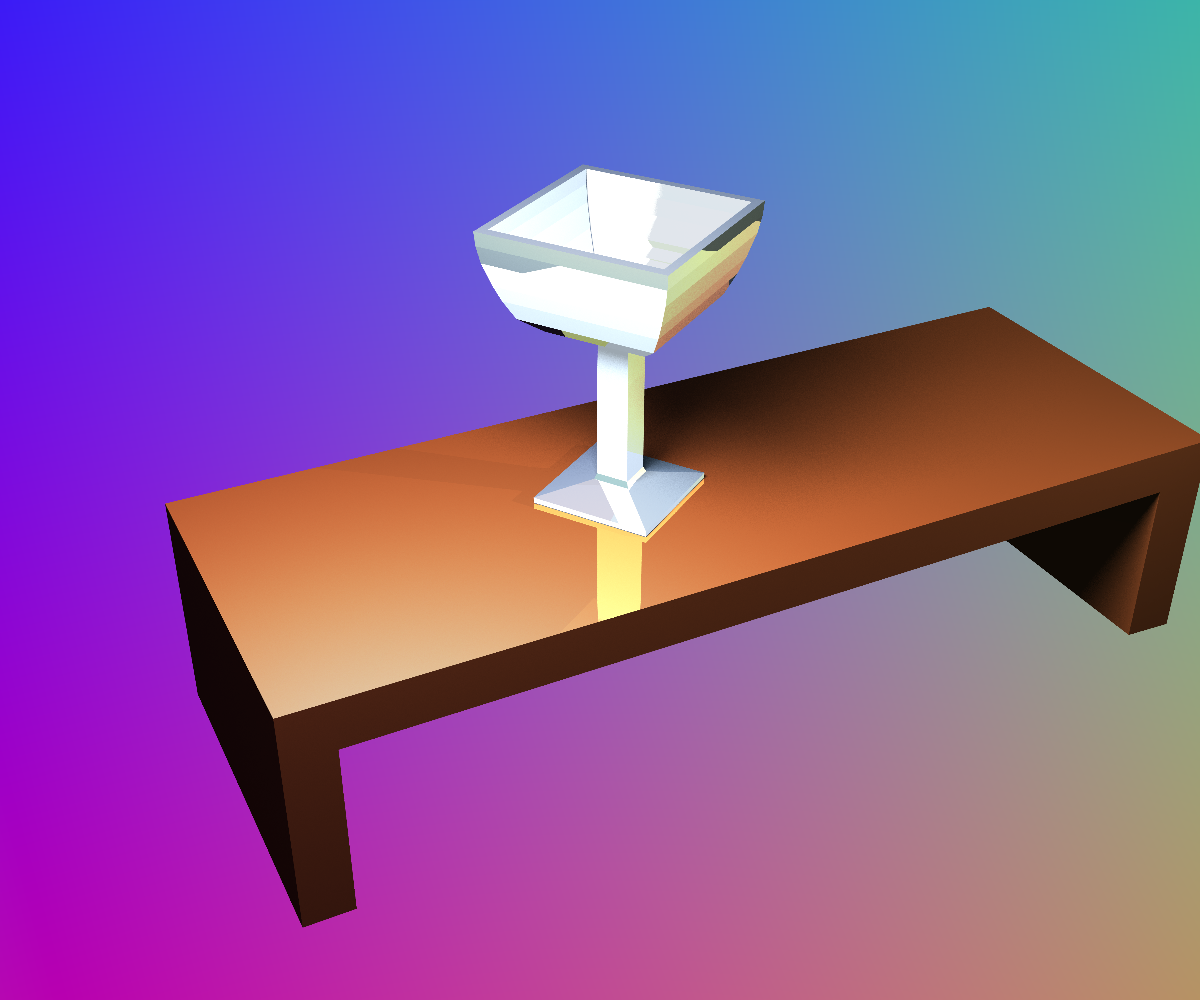
scene rendered with mesh acceleration. This scene contains two meshes - a goblet and that of a table.
Novel meshes courtesy of turbo squid
xml file used to create images
The above scene when rendered with the bounding box implemented took approximately 450 seconds.
This time included super-sampling and soft shadows.
When we removed the bounding box and rendered the scene with no acceleration, the rendering
took approximately 1400 seconds. The speed increased then by a factor of 3.
In addition, and as expected, The progress bar that indicates how much of the scene has been
rendered goes very quickly at first, as we test the intersection with the box and this test fails,
yet the rendering slows down dramatically as we near the middle of the scene, which is where
the mesh is located.
The bounding box algorithm works by intersecting the ray with each pair of planes associated
with the box, for the x, y, and z axes.
Rather than get the intersection and check whether that point is on the plane, instead I
keep a track of the closest intersection parameter gotten, and the farthest. If the closest
is larger than the farthest, we know that there is no intersection. However if we've checked all
the planes and the closest intersection is never larger than the largest far intersection
we know that there was an intersection and we have to check the geometry.
While this is vastly more efficient than trawling the entire hierarchy at every point, there
are still many optimisations we can make. For example adaptively deciding whether we want
to continue sampling a pixel.
Adaptive Super-sampling